
You know your business needs AI. The hard part is finding where to use it
For most businesses, the question is no longer whether AI could be useful but rather where it can make the most difference. There are usually dozens of manual tasks, handovers and repetitive processes happening daily but only some of them are worth improving with AI and automations.
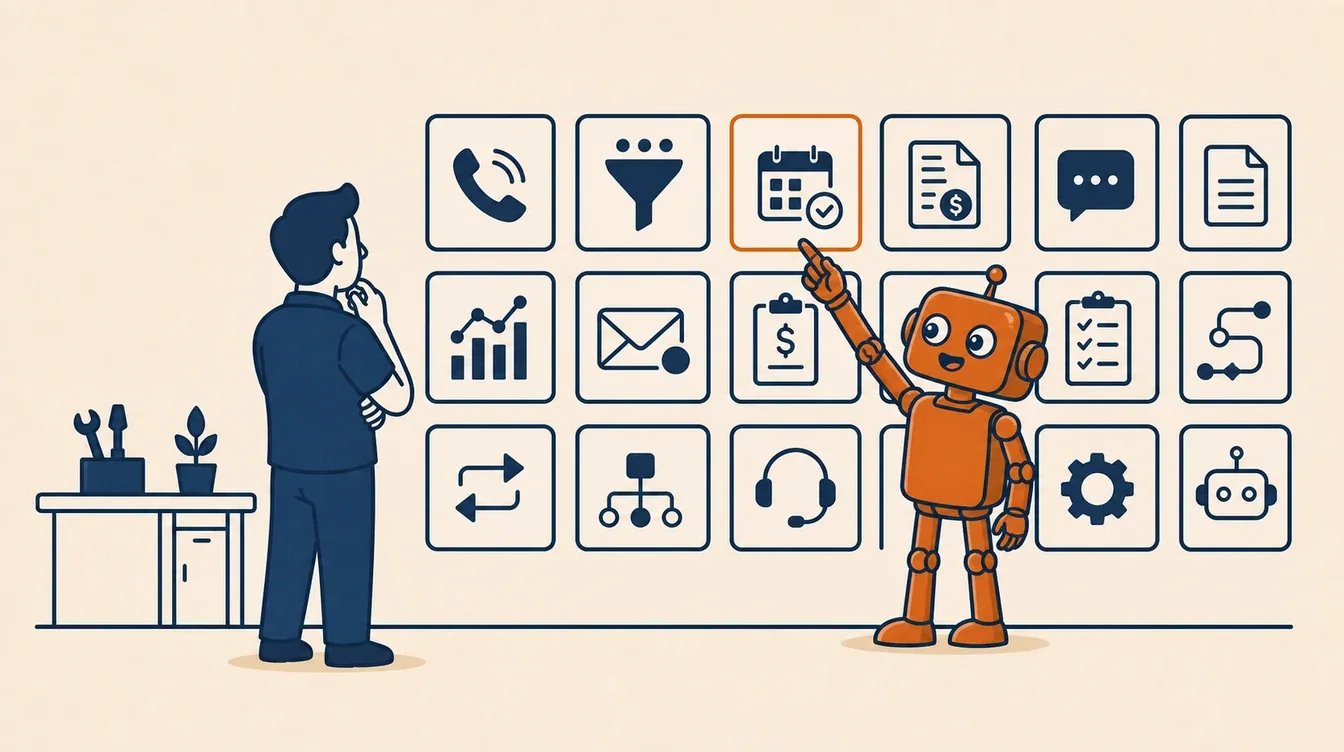
A lot of business owners feel like the are in limbo, seeing videos and articles everywhere telling them AI is the next big thing and if they aren't using it now, their competitors will and they'll just fall behind.
Next to all the AI media, they also know their business could be doing better, with time, money, or patience leaking somewhere in their business.
But they hardly have the time to think about it while putting out their own fires, and when they do, the question still becomes strangely hard:
What should AI do here?
That is where most of the confusion lives. Not in whether AI is useful or if the tools are good enough, but rather knowing where AI belongs in a business, and putting it place without making life harder for the team (or the team feeling like they're going to lose their jobs), the customers, or the owner.
For trades and service businesses, this really matters as the pressure is already overwhelming. Calls come in while the teams are on the tools. Quotes get written off site (and off duty) and customers might ask for updates while the team is onsite on another job. Invoices sit unpaid because nobody chases them or have the systems to properly track them and reviews are lost because by the time its remembered to be asked for the customer has already moved on.
AI can help with all of that. But only if it is built properly and for the right job.
The advice has been too vague
Most AI advice sounds like this:
Use ChatGPT or Claude. Add a chatbot. Automate your admin. Get an AI receptionist. Try agents. Buy a platform.
None of those are wrong, they just don't really give enough details for your business to make a useful decision.
A plumbing business, an electrical contractor, a builder, a pest control company, and a local maintenance team might all "need AI", but the AI that makes a difference to their business might be completely different. One might be losing work through missed calls. Another might be slow to quote or doesn't give enough detail for the client to use them. Another might have great enquiry handling but terrible invoice follow-up. Another might be drowning in admin for job photos and technician notes.
The real question to ask out of all of this is:
Which repeated job in this business should stop depending on someone remembering to do it?
That is a much better place to start.
The first hurdle: Knowing what AI should do
The first AI workflow should not be selected because it sounds cool or fun. It should be selected because it is solves something the business is struggling with.
Good first workflows for AI to be used in usually have five things in common.
- They happen often.
- They follow a pattern.
- They slip when the team gets busy.
- They touch revenue, cash flow, or customer trust.
- A person can check the work quickly if needed.
Good examples are:
- A new enquiry arrives and waits too long.
- A quote gets drafted three days after the site visit.
- A customer is not told the technician is running late.
- A job note gets typed twice.
- An invoice reminder never goes out.
- A review request is forgotten.
- A supplier email sits in the inbox until someone has time to turn it into an action.
None of these jobs are glamorous, they are ordinary, repeated, and the business loses something when they slip.
AI is at its best when it catches those jobs before they become the work of the business owner.
What this looks like in a trades business
Handling missed calls.
Most trade businesses miss calls because the work is physical and not because they're careless. You cannot answer properly while you are under a sink, in a roof cavity, driving between jobs, speaking to a customer, or holding a tool.
The AI opportunity is not "install a clever phone bot because phone bots exist."
The AI opportunity is:
When a call is not being picked up by your team, have an AI receptionist, ask what the customer needs, capture the suburb and job type, offer the right next step, and put a clean summary where the office or owner will see it.
OR
Have an AI Receptionist start a conversation with the number the call was missed from and capture the same details.
Quoting Jobs
The problem is that quotes often needs quiet time, job context, photos and follow-up. Giving it the time it needs might have it pushed to the evening, then tomorrow and then the customer chooses a quote that gets back to them faster.
The AI opportunity is:
Turn site notes, photos, or a voice memo into a draft quote in the right format, using your usual wording and rules. Then let a person approve it before it goes out. If there is no reply after a few days, follow up automatically.
Customer updates
Customers mainly ask for updates because they feel like they've been left in the dark, not knowing what is happening. Once they're left in the dark for long enough they feel like they're not being serviced properly, and if they're not being serviced properly they might give you a bad review or find a complete different provider that can give them the communication they need. The AI opportunity is:
An AI workflow can send the simple updates: booking confirmed, technician on the way, quote received, waiting on parts, invoice sent, payment reminder due.
The owner still handles the unusual conversations. The system handles the repeated silence.
The second hurdle: Making AI work well within the business
Once you know the job, the next question is putting it in to use.
This is where a lot of small business AI projects fall apart. The owner signs up for a tool, tries a template or two, watches some youtube videos and gets excited by a feature. But the tool is just a tool, that doesn't know the way the business actually works.
It doesn't know the suburbs you service, which jobs need a site visit, which customers should never receive a payment reminder without a human check. It does not know that your "quote accepted" emails sometimes land in one inbox and sometimes in another.
These are just a few snippets of information that makes your business "you".
Proper implementation means the workflow is designed around those details from the start.
That usually means:
- Mapping how the job works today.
- Naming what starts these processes.
- Naming the goal, outcome or what you expect it to do.
- Connecting with the tools the team already uses.
- Writing the rules for what AI may do without human involvement.
- Writing the rules for when it must stop and ask a person.
- Testing the messy cases before customers touch it.
- Measuring whether it saved time, won work, or reduced follow-up.
Its these elements that build a solid foundation for AI to be put into your business.
Disconnected AI creates more admin
One risk right now is that businesses collect AI tools the way they used to collect software subscriptions.
One tool answers calls. Another writes emails. Another drafts quotes. Another summarises notes. Another sits inside the CRM. Another lives in a browser tab nobody opens after the first week.
Each tool may be good, But if they're not working together, they can still create a mess.
If the call agent does not know what happened in the quoting tool, the customer gets asked for the same information twice. If the quote follow-up does not know a job was already booked, the business looks unprofessional or poorly organised. If invoice reminders do not know a customer has disputed the bill, the system creates an awkward conversation for the business to step into.
That is why implementation matters more than features.
AI has to know enough about the context of the business and other workflows to be useful, otherwise it is just another assistant waiting for instructions.
This is why forward-deployed engineering is suddenly everywhere
There is a reason big AI companies are now talking so much about deployment.
OpenAI launched its Deployment Company in May 2026 to embed forward deployed engineers into organisations and help them turn AI into working systems across real workflows. OpenAI describes the work as identifying where AI can make the biggest impact, redesigning workflows around it, and connecting models to the customer's data, tools, controls, and business processes.
The market has realised that giving someone access to AI is not the same thing as making AI useful inside their business.
Most trade and service businesses don't need a forward-deployed engineer, but they do need the same kind of thinking at a smaller scale:
Having someone get close to the work understand where the handoffs happen and then build around the tools they already use. This always starts with one cornerstone workflow to prove it can actually help, then move to the next.
That is how AI becomes part of operations instead of a side quest.
You are probably not as behind as you think
Social media is filled with software companies adding AI to their homepages, LinkedIn posts warning that businesses will be left behind if they don’t use it, and tools promising to save hours of work.
But the reality isn’t quite that simple.
ServiceTitan's 2026 AI in the Trades reporting found that only a small share of contractors had actually embedded AI, even though interest and willingness to invest were much higher. Salesforce's field service research points to the same concept from another angle: technicians are spending hours every week on admin, and many believe AI agents could help.
The gap has always been clarity on where AI is best used:
- What should we automate first?
- What should stay human?
- Which tools should connect?
- What happens when the AI is unsure?
- Who owns the workflow after it is built?
- How will we know if it worked?
Those are the questions which point you to where AI can bring the most change.
A simple way to choose the first workflow
If you are trying to work out where AI belongs in your business, look at what one bad week looks like to you.
Write down the moments that cost you time, money, or trust:
- The lead that waited too long.
- The quote that went out late.
- The customer who chased twice.
- The invoice you avoided following up.
- The job note someone had to retype.
- The booking that needed five messages.
- The review request nobody sent.
Then ask three questions.
- Does this happen often enough to matter?
- Does it follow a pattern?
- Would fixing it save time, win more work, improve cash flow, or make customers feel looked after?
If the answer is yes to all three, then you've found the perfect place to start with AI.
Start where the business already leaks
AI doesn't need to enter every part of a business, it works best with one repeated job that everyone already knows is a problem.
The goal is to stop losing time to work that should not depend on memory, after hours, or a quiet half hour that never arrives.
Common questions
What if I know I need AI but have no idea where to start?
Start with the repeated job that slips when you are busy. For many trade businesses, that is missed-call follow-up, quote drafting, quote chasing, appointment reminders, invoice follow-up, or review requests. The right first workflow is usually the one that already annoys you every week.
Do I need to replace my current software to use AI properly?
Usually no. The best first AI workflow often sits around the tools you already use: your inbox, phone system, calendar, job management software, quoting tool, accounting software, or CRM. Replacing software before the workflow is clear usually makes the project harder than it needs to be.
What should AI not touch first?
Keep AI away from high-risk decisions at the start: price negotiations, complaints, refunds, safety-sensitive advice, hiring decisions, and anything involving money movement. A good first system drafts, reminds, summarises, checks, routes, and follows up. It stops when judgement is needed.
How do we know if an AI workflow is worth building?
You should be able to name the leak before anything is built. How many calls are missed? How many quotes go out late? How long does follow-up take? How many invoices sit unpaid? If there is no visible leak, there may be no useful first project yet.
Find where AI belongs in your business
The free two-minute scorecard asks about one repeated task, how often it happens, and what your time is worth. It will tell you whether that task is a good first AI workflow, or whether something else should come first.
Take the free scorecard Rather talk it through? Book the free workflow audit →