
How to automate lead follow-up in a small business
The playbook for answering every lead in minutes: what to automate, what stays human, and how to run it in the tools you already pay for.
An enquiry lands at 3:03pm on a Tuesday. You are on a job, or with a client, or halfway through the thing you promised yourself you would finish today. You see the notification, think "I will reply tonight", and at 9pm you type an apology and an answer. Somewhere in those seven hours, the lead found someone who replied at 2:09.
Automating lead follow-up fixes exactly this, and it is the single highest-value automation for most businesses under twenty people. This article walks through the whole flow: what the automation does, what it should never do without you, and why you almost certainly do not need to buy another tool to run it.
Why follow-up speed decides who wins the job
The research on this is old and has never been overturned. A Harvard Business Review study of over a million sales leads found that firms contacting a lead within an hour were nearly seven times as likely to qualify it as firms that waited even an hour longer. Most businesses in that study took more than a day, and plenty never replied at all. Salespeople have a name for this number: "speed to lead". It decides more jobs than price does.
Nothing about that is a character flaw. When the whole company is a handful of people, whoever answers enquiries is also doing the work the enquiries are about. Speed does not come from trying harder. It comes from taking the first reply off a human's plate entirely.
What automated lead follow-up actually looks like
Stripped of vendor language, a lead follow-up automation is one flow with five jobs. This is the shape we build for clients, and it is the shape you should aim for however you build it.
- Catch every lead in one place. Website form, email enquiry, missed call, Facebook message: they all land in a single queue instead of four inboxes. The phone piece is what vendors sell as "missed call text back": the caller gets a text within the minute, before they dial the next name. Leads stop falling between apps.
- Acknowledge in minutes, in your words. A reply goes out that answers the actual question, sounds like you wrote it, and never opens with "Dear valued customer". Speed matters most here, so this step runs without waiting for anyone.
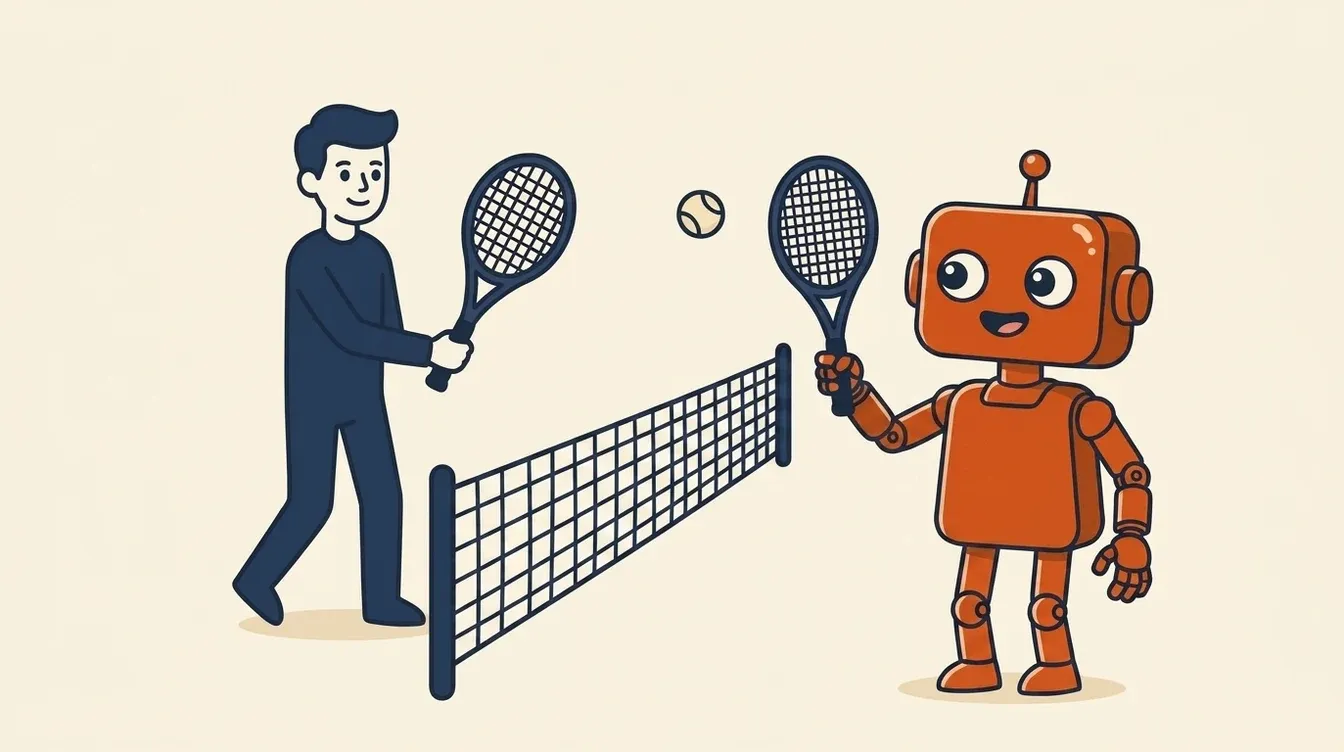
- Offer times, not tennis. The reply checks your real calendar and offers two or three slots, so booking happens in one message instead of six.
- Log it where you will look. Name, contact, what they asked for, into your CRM or spreadsheet, so nothing lives only in an inbox.
- Chase politely until there is an answer. If the lead goes quiet, a follow-up goes out after a day or two, then again a few days later, and then it stops. Each message gives an easy way to say no, because chasing someone who has decided is how you lose the next referral.
That is the whole machine. Everything else, scoring, attribution dashboards, "AI SDR" pipelines, is decoration a twenty-person business does not need on day one.
What stays human
The fastest way to ruin this automation is to let it do too much. The rules we set on every build:
- Pricing judgement stays with you. The agent can quote your standard rates. Anything custom gets drafted and held for your approval. The full quoting flow has its own playbook: same-day quotes for trades.
- Complaints and sensitive messages get flagged, not answered. If the tone of an enquiry needs a person, a person gets it, with the context attached.
- You can see everything it sent. Every reply sits in your own sent folder, in your own account. If you cannot audit it, you should not run it.
A useful test: if a reply would embarrass you with your best customer, the automation should not be allowed to send it unsupervised.
You probably do not need another tool
Most of what is written about this topic ends in a software recommendation, usually from the company that wrote the article. In practice, a small business already owns the parts: an inbox, a calendar, and something acting as a CRM, even if that something is a spreadsheet. The automation is glue and judgement on top of those, built in your own accounts, not a new dashboard your team has to remember to check.
If you are wondering what an "agent" means in this context, and how it differs from the chatbots you have already seen, the plain-English guide to AI agents covers it without the jargon.
What a good first reply reads like
The difference between automation people notice and automation they thank you for is almost entirely in the writing. Compare:
"Thank you for contacting us! A member of our team will respond to your enquiry within 24 to 48 hours."
That is a hold message. It confirms receipt and buys nothing. Now:
"Hi Sarah, thanks for the note about the bathroom reno. We can definitely take a look. I have Thursday 10am or Friday 2pm free for a quick site visit, would either work? If it is easier, just reply with a couple of photos and rough sizes and I will get you a ballpark first."
Same automation, completely different result, because the second one was built from how you actually reply, with your phrases and your options. That is why we build these with the owner in the room rather than from a template library.
A real example
For one client, every reply was typed from scratch, which meant a lead who booked a meeting could wait hours before hearing anything back. We built a workflow together, in their accounts, with their wording, that fires the moment a booking lands and sends the reply automatically. Response time went from hours to minutes. The build took a few focused sessions, not a months-long project.
Common questions
How quickly should you respond to a new lead?
Inside five minutes is the target, and inside an hour is the line the research draws: after that, the odds of qualifying the lead fall off a cliff. No small team can hit five minutes by trying harder, which is the whole case for automating the first reply and nothing else.
How do I automate lead follow-up?
Route every lead source into one queue, send a fast first reply written in your voice, offer real calendar times, log the lead in your CRM, and schedule two or three polite chases that stop when the lead answers. You can assemble this with automation tools plus an AI agent for the drafting, or have it built with you in your own accounts.
How many follow-up messages should I send?
Two or three after the first reply, spaced over about a week, each one easy to decline. Beyond that the maths goes negative: the extra bookings are outweighed by the people you annoy. The bigger win is almost always the speed of the first reply, not the length of the chase.
Will automated replies sound robotic?
Only if they are built from someone else's templates. An agent drafting from your own past replies, your phrasing and your rules is very hard to distinguish from you on a good day. Anything sensitive should be held for a human regardless of how good the writing is.
What does it cost to set up?
If you build it yourself with off-the-shelf tools, mostly your evenings and the subscriptions you likely already pay. Having it built with you is a scoped project, and you should get a clear number for your specific flow before committing. Our free workflow audit ends with exactly that number, whether or not you build with us.
Find out what faster follow-up is worth in your business
The free two-minute scorecard asks about one repeated task, how often it happens, and what your time is worth, then gives you a rough monthly figure for handing it to an agent. Lead follow-up is the task most owners start with.
Take the free scorecard Ready to map it on your business? Book the free workflow audit →